People · HR
HR for a company that doesn’t have an HR person
From the offer letter to the first payslip: hire, onboard, track attendance and leave, roster shifts, and let every employee handle their own requests from their phone.
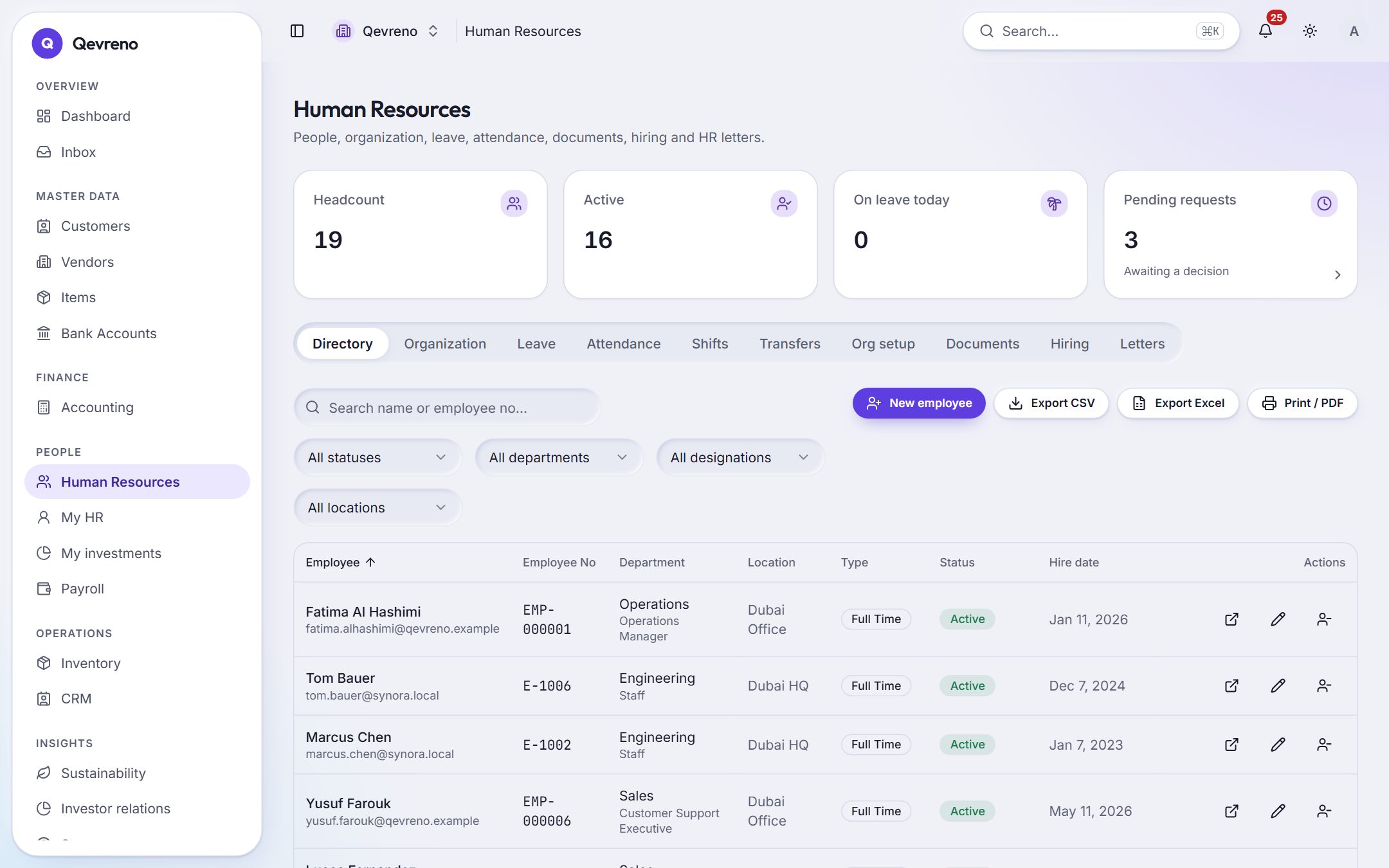
The real screen, with a demo company’s data.
What you can do with hr
Hiring to onboarding
Track candidates, issue offer and appointment letters, and turn an accepted offer into an employee with an onboarding checklist.
Attendance and shifts
Check-ins and check-outs, a shift roster, and scheduled hours taken from the rostered shift.
Leave with approvals
Leave types and balances, requests and manager approvals — and approved leave flows into payroll.
My HR on the phone
Employees apply for leave, see payslips and download their letters themselves, from an app they install from the browser.
Records and documents
Departments, positions, transfers and employee documents with expiry dates — kept private by role.
Letters on demand
Generate employment and salary letters from the employee’s record.
How it works
In 4 steps
- 1
Add your departments and positions, then your employees (or import them).
- 2
Set up leave types and working calendars.
- 3
Invite employees to My HR so they can request leave and see payslips.
- 4
Approve requests from your inbox; payroll picks up the result.
Good to know
Do employees need a separate app?
No. My HR works in the phone’s browser and can be installed to the home screen like an app.
Can managers approve only their own team?
Yes. Approvals go to the right manager, and roles decide who can see what.
Works together with
See hr with your own numbers
Book a demo and we will walk through your books, your bank and your payroll with you — or create your company and look around on your own.